Calling Nbility from Node.js: From a CLI Tool to a Web App
A practical Node.js / JavaScript guide to using Nbility as an OpenAI-compatible API: environment variables, the openai npm SDK, CLI tools, Express endpoints, streaming output, error handling, logging, and launch checks.
If you already know how to call an AI API from Python, the next natural step is Node.js: a command-line helper, an internal summarization button, a web chat box, or an AI feature inside an existing Express or Next.js backend.
This tutorial shows how to integrate Nbility’s OpenAI-compatible Chat Completions API from Node.js. The examples use the official openai npm package and set baseURL: "https://api.nbility.dev/v1". Your business code keeps the OpenAI-compatible shape, while models, keys, usage, and cost can be managed through a unified gateway.
What You Will Build
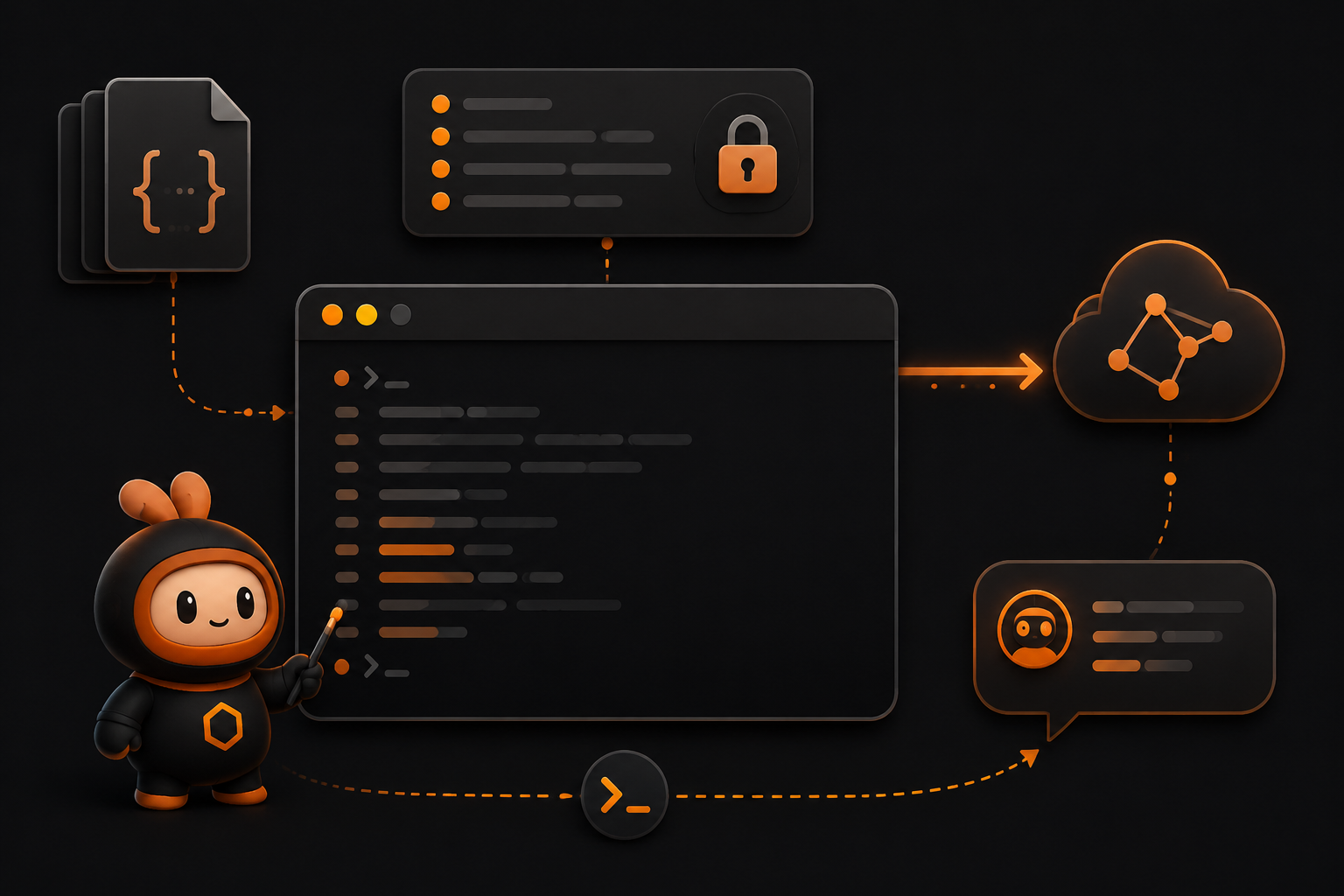
We will build three things:
- A minimal Node.js chat script;
- A command-line AI helper;
- An Express web endpoint, including a streaming endpoint for browser UIs.
Nbility’s Chat Completions documentation uses POST /v1/chat/completions, a request body with model and messages, and stream: true for SSE streaming. The official OpenAI Node SDK supports Chat Completions and streaming via Server-Sent Events, so the same pattern works well for JavaScript and TypeScript projects.
Prepare the Project
Create a clean project:
mkdir nodejs-nbility-demo
cd nodejs-nbility-demo
npm init -y
npm install openai dotenv express
Switch the project to ESM so we can use import:
npm pkg set type=module
Create .env:
NBILITY_API_KEY=[REDACTED]
NBILITY_BASE_URL=https://api.nbility.dev/v1
NBILITY_MODEL=gpt-4o
PORT=3000
Keep the real API key in server environment variables, a secret manager, or local .env. Never put it in frontend code, Git repositories, screenshots, or browser LocalStorage.
Minimal Chat Script
Create chat-once.js:
import 'dotenv/config';
import OpenAI from 'openai';

const client = new OpenAI({
  apiKey: process.env.NBILITY_API_KEY,
  baseURL: process.env.NBILITY_BASE_URL ?? 'https://api.nbility.dev/v1',
  timeout: 60_000,
  maxRetries: 2,
});

const completion = await client.chat.completions.create({
  model: process.env.NBILITY_MODEL ?? 'gpt-4o',
  messages: [
    { role: 'system', content: 'You are a concise and reliable technical assistant.' },
    { role: 'user', content: 'Explain in three sentences why Node.js is useful for API backends.' },
  ],
  temperature: 0.3,
  max_tokens: 300,
});

console.log(completion.choices[0]?.message?.content ?? '');
console.log('usage:', completion.usage ?? null);
Run it:
node chat-once.js
If you see an answer, the important pieces are working: Node, SDK, Base URL, API key, and model name.
Turn It into a CLI Tool
Many teams do not need a full web UI at first. A terminal tool is enough: pass a question, receive an answer. Create ask.js:
#!/usr/bin/env node
import 'dotenv/config';
import OpenAI from 'openai';

const prompt = process.argv.slice(2).join(' ').trim();
if (!prompt) {
  console.error('Usage: node ask.js "your question"');
  process.exit(1);
}

const client = new OpenAI({
  apiKey: process.env.NBILITY_API_KEY,
  baseURL: process.env.NBILITY_BASE_URL ?? 'https://api.nbility.dev/v1',
  timeout: 60_000,
  maxRetries: 2,
});

try {
  const completion = await client.chat.completions.create({
    model: process.env.NBILITY_MODEL ?? 'gpt-4o',
    messages: [
      { role: 'system', content: 'You are a concise and reliable technical assistant.' },
      { role: 'user', content: prompt },
    ],
    temperature: 0.2,
    max_tokens: 800,
  });

  console.log(completion.choices[0]?.message?.content ?? '');
} catch (error) {
  console.error(formatOpenAIError(error));
  process.exit(1);
}

function formatOpenAIError(error) {
  const status = error?.status;
  const message = error?.message ?? String(error);
  if (status === 401 || status === 403) {
    return 'Authentication failed: check NBILITY_API_KEY, permissions, balance, or model access.';
  }
  if (status === 400 || status === 404) {
    return `Request parameters may be wrong: check model, messages, and max_tokens. Detail: ${message}`;
  }
  if (status === 429) {
    return 'Too many requests or quota pressure: retry later or add a queue.';
  }
  if (status >= 500) {
    return 'Temporary upstream error: retry later or switch models.';
  }
  return `Request failed: ${message}`;
}
Run it:
node ask.js "Rewrite this release note more clearly: today we fixed login and billing issues."
To install it locally as a command, add this to package.json:
{
  "bin": {
    "ask-nbility": "./ask.js"
  }
}
Then link it:
chmod +x ask.js
npm link
ask-nbility "Give me five QA test questions for a customer-support FAQ bot"
A CLI is great for internal workflows: commit messages, log summaries, support-copy rewriting, and quick article summaries. It lets you validate value before building a full web UI.
Connect It to an Express Web API
Once the CLI is stable, reuse the same client in a web backend. Create server.js:
import 'dotenv/config';
import express from 'express';
import OpenAI from 'openai';

const app = express();
app.use(express.json({ limit: '1mb' }));

const client = new OpenAI({
  apiKey: process.env.NBILITY_API_KEY,
  baseURL: process.env.NBILITY_BASE_URL ?? 'https://api.nbility.dev/v1',
  timeout: 60_000,
  maxRetries: 2,
});

app.post('/api/chat', async (req, res) => {
  const prompt = String(req.body?.prompt ?? '').trim();
  if (!prompt) {
    return res.status(400).json({ error: 'prompt is required' });
  }

  try {
    const completion = await client.chat.completions.create({
      model: process.env.NBILITY_MODEL ?? 'gpt-4o',
      messages: [
        { role: 'system', content: 'You are a reliable product assistant.' },
        { role: 'user', content: prompt },
      ],
      temperature: 0.3,
      max_tokens: 800,
    });

    res.json({
      answer: completion.choices[0]?.message?.content ?? '',
      usage: completion.usage ?? null,
    });
  } catch (error) {
    const status = error?.status ?? 500;
    res.status(status >= 400 && status < 600 ? status : 500).json({
      error: 'chat_request_failed',
      message: safeErrorMessage(error),
    });
  }
});

app.listen(Number(process.env.PORT ?? 3000), () => {
  console.log(`server listening on http://localhost:${process.env.PORT ?? 3000}`);
});

function safeErrorMessage(error) {
  const status = error?.status;
  if (status === 401 || status === 403) return 'authentication failed';
  if (status === 429) return 'rate limited';
  if (status >= 500) return 'temporary upstream error';
  return error?.message ?? 'unknown error';
}
Start it:
node server.js
Test it:
curl -s http://localhost:3000/api/chat \
  -H 'Content-Type: application/json' \
  -d '{"prompt":"Write a product update announcement under 100 words"}'
The key security boundary is simple: the browser must never hold the API key. The frontend calls your backend, and the backend reads environment variables and calls Nbility.
Streaming Output in a Web App
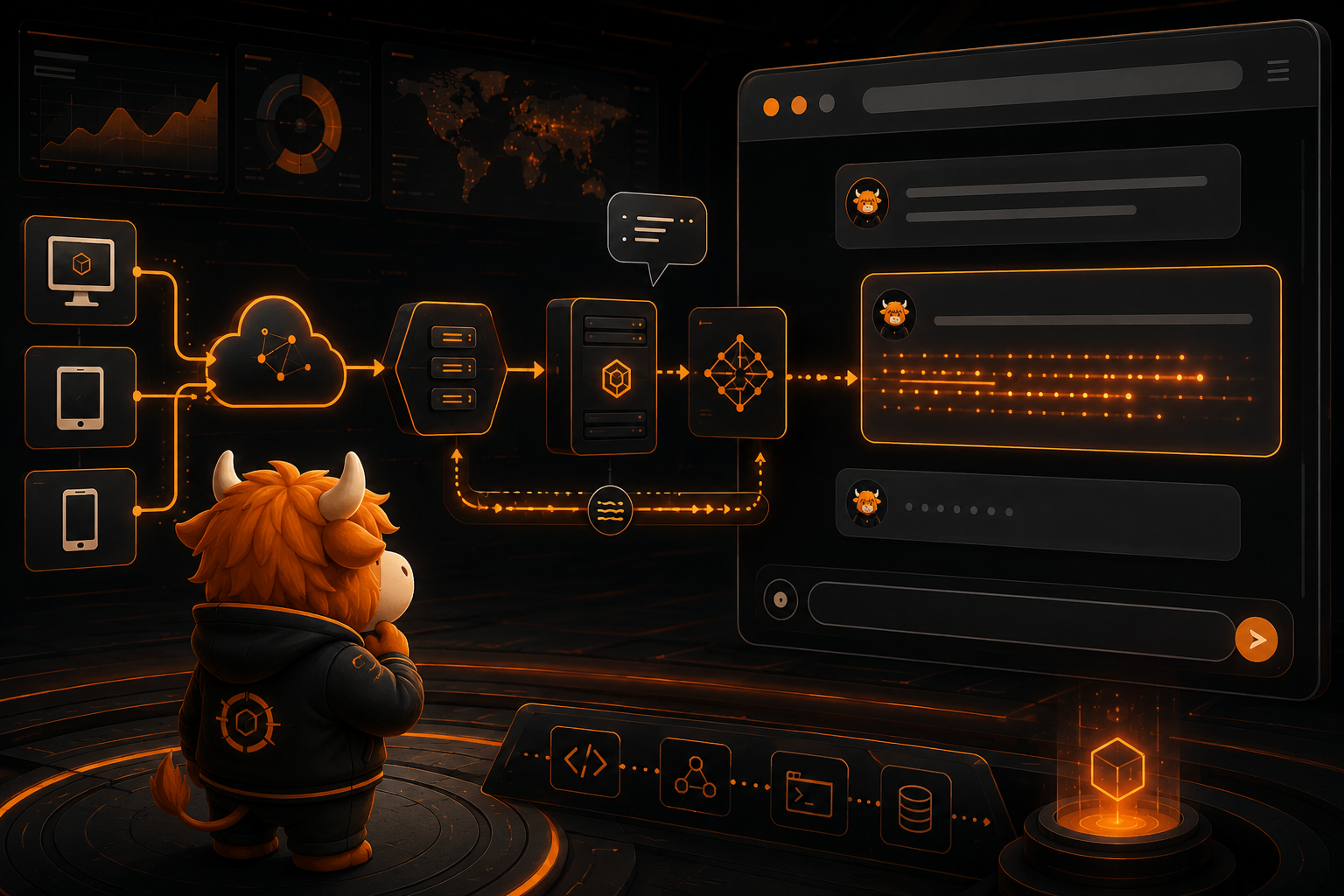
A normal JSON endpoint only returns after the whole answer is generated. Chat UIs feel better with streaming: the backend receives tokens from the model and forwards them to the browser as they arrive.
Add /api/chat-stream to Express:
app.post('/api/chat-stream', async (req, res) => {
  const prompt = String(req.body?.prompt ?? '').trim();
  if (!prompt) {
    return res.status(400).json({ error: 'prompt is required' });
  }

  res.setHeader('Content-Type', 'text/event-stream; charset=utf-8');
  res.setHeader('Cache-Control', 'no-cache, no-transform');
  res.setHeader('Connection', 'keep-alive');
  res.flushHeaders?.();

  try {
    const stream = await client.chat.completions.create({
      model: process.env.NBILITY_MODEL ?? 'gpt-4o',
      messages: [{ role: 'user', content: prompt }],
      stream: true,
      temperature: 0.3,
    });

    for await (const chunk of stream) {
      const delta = chunk.choices[0]?.delta?.content;
      if (delta) {
        res.write(`data: ${JSON.stringify({ delta })}\n\n`);
      }
    }

    res.write('event: done\ndata: {}\n\n');
    res.end();
  } catch (error) {
    res.write(`event: error\ndata: ${JSON.stringify({ message: safeErrorMessage(error) })}\n\n`);
    res.end();
  }
});
The browser’s EventSource API uses GET by default. Since our endpoint is POST, a fetch + ReadableStream client is often more convenient:
async function askStream(prompt, onDelta) {
  const response = await fetch('/api/chat-stream', {
    method: 'POST',
    headers: { 'Content-Type': 'application/json' },
    body: JSON.stringify({ prompt }),
  });

  const reader = response.body.getReader();
  const decoder = new TextDecoder();
  let buffer = '';

  while (true) {
    const { value, done } = await reader.read();
    if (done) break;
    buffer += decoder.decode(value, { stream: true });

    const events = buffer.split('\n\n');
    buffer = events.pop() ?? '';

    for (const event of events) {
      const line = event.split('\n').find((x) => x.startsWith('data: '));
      if (!line) continue;
      const payload = JSON.parse(line.slice(6));
      if (payload.delta) onDelta(payload.delta);
    }
  }
}
MDN notes that SSE is a one-way server-to-browser connection, and browsers may impose connection limits when not using HTTP/2. In production, also verify that your gateway, CDN, or serverless platform does not buffer the response; otherwise streaming may appear to be broken.
Three Production Additions
1. Input limits
Do not forward unlimited user input directly to the model. Add at least:
maximum prompt length
per-user rate limits
per-IP rate limits
confirmation for sensitive business actions
2. Logging and usage
If the response includes usage, store it:
user_id
route
model
prompt_tokens
completion_tokens
total_tokens
latency_ms
status
error_type
When someone asks why token cost increased this month, you will have data instead of guesses.
3. Error classification
Avoid returning “system busy” for every failure. Classify errors:
400 / 404: parameters, model name, or messages format; do not retry blindly
401 / 403: key, permission, or balance issue; do not retry
429: rate limit or concurrency pressure; queue or back off
5xx / timeout: temporary error; limited retry or switch models
Nbility works well as the middle layer here: your Node.js code only needs the OpenAI-compatible request shape, while model switching, billing visibility, and multi-model routing can be centralized.
Launch Checklist
[ ] API key only exists in backend environment variables or secrets
[ ] Frontend never calls the model API directly
[ ] baseURL is https://api.nbility.dev/v1
[ ] Model name, port, and timeout are configurable via env vars
[ ] Express JSON body has a reasonable size limit
[ ] CLI and web endpoints both handle errors
[ ] 429 / 5xx have limited retries or queue backoff
[ ] usage, latency, user_id, and route are logged
[ ] Streaming is verified in a real browser and production gateway
References
- Nbility API overview: https://nbility.dev/docs/api
- Nbility Chat Completions API: https://nbility.dev/docs/api/chat/completions
- OpenAI Node SDK GitHub: https://github.com/openai/openai-node
- openai npm package: https://www.npmjs.com/package/openai
- OpenAI Chat Completions API reference: https://platform.openai.com/docs/api-reference/chat/create
- Node.js
process.env: https://nodejs.org/api/process.html#processenv - Express 4.x API reference: https://expressjs.com/en/4x/api.html
- MDN Server-Sent Events guide: https://developer.mozilla.org/en-US/docs/Web/API/Server-sent_events/Using_server-sent_events